

Get started with the nRF9151 SMA DK

Get started with the nRF9151 SMA DK
Step 2 of 3

Connect your nRF9151 SMA DK to your PC or Mac with a USB cable and power on the DK
Get started with the nRF9150 SMA DK
Step 3 of 3
Important: Currently Quick Start only supports Terrestrial (LTE-M/NB-IoT)
-> For instructions to download and use NTN go to the "Evaluate NTN" tab
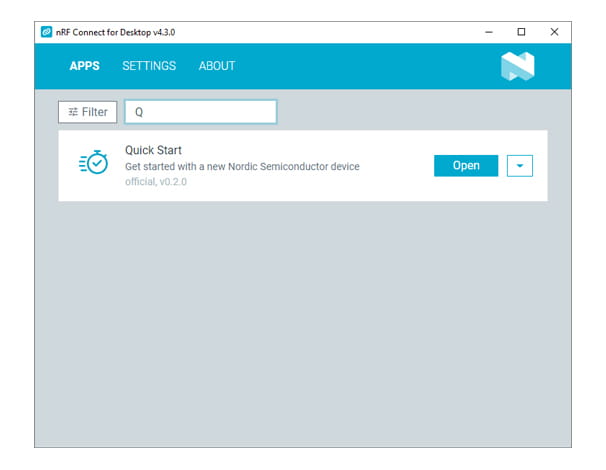
Open Quick Start in nRF Connect for Desktop and follow the instructions in the app
For SIMs:
Monogoto (LTE+NTN) & Onomondo (LTE): Pre-registered with data. Scan QR for more.
Deutsche Telekom (LTE+NTN): Registration required to activate.
Next steps
Online documentation